Your top questions about assigning and managing tasks with CaresClicks — answered.

Product
⏰ Time Management
📍 Location Monitoring
💼 Team Management
📊 Training, Identity & Insights
Industries
Resources
Team Productivity
Smart Task Management
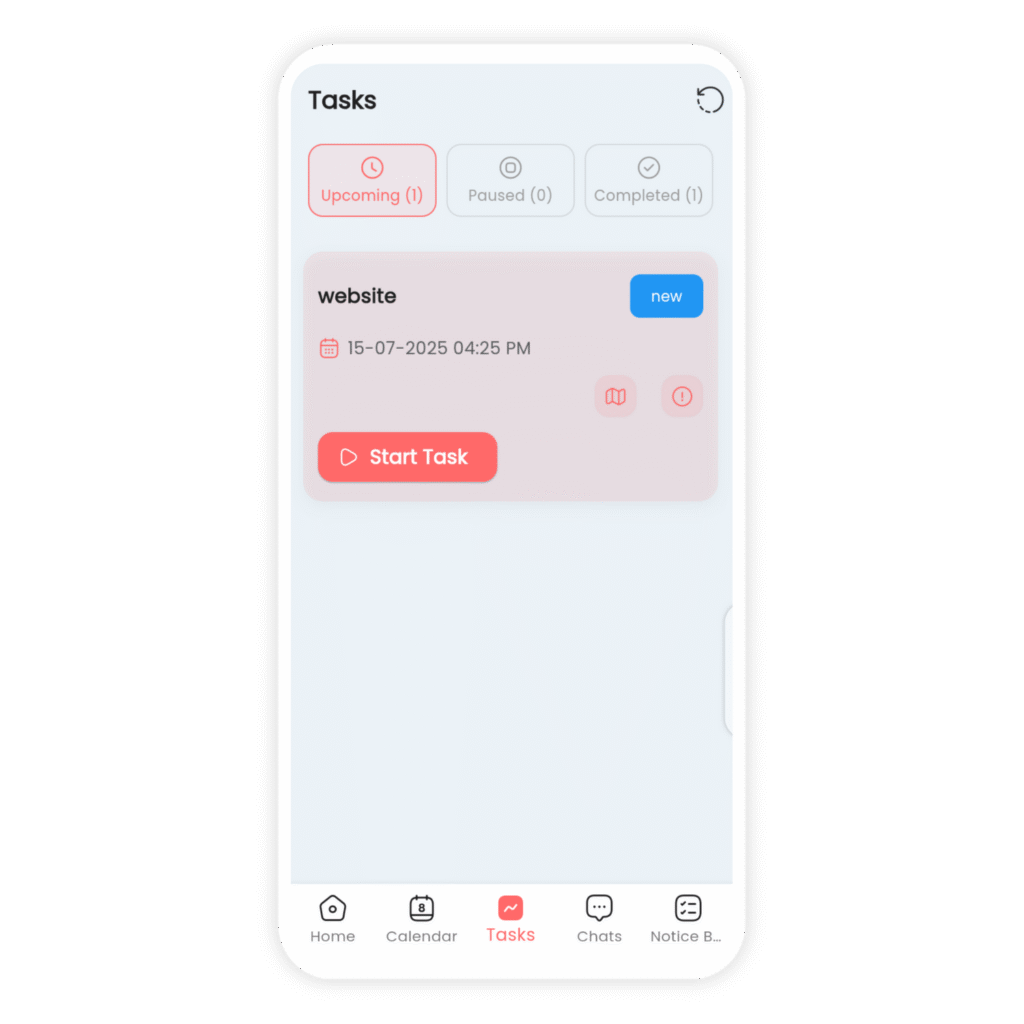
Assign, track, and complete tasks in real-time. Whether your team is in the office or in the field, CaresClicks brings clarity and accountability to every assignment.
Rated 5/5
— based on 2000+ trusted reviews
Clear Workflow
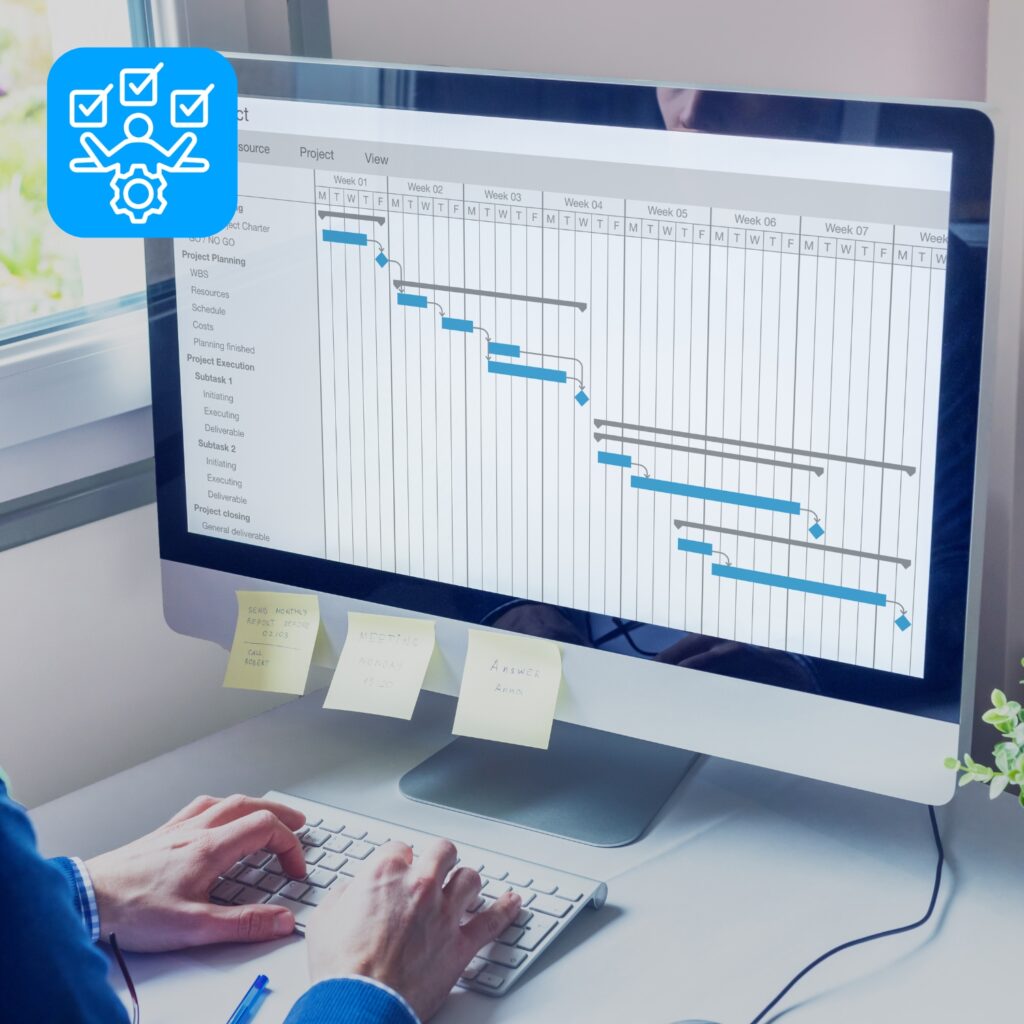
From Task to Completion
No more missed deadlines or forgotten tasks. CaresClicks gives managers the power to assign tasks, add due dates, attach files, and monitor updates — all in one streamlined platform.
Mobile Access
Stay Synced Everywhere
Employees receive task notifications instantly on their phones. Whether they’re clocked in at the office or checking in from the field, they’ll always know what to work on next.

Our Core Benfits
Why Teams Love Task Management
CaresClicks makes it easy to manage tasks across distributed teams. With simple drag-and-drop boards, instant updates, and role-based assignments, your team stays focused and aligned — no matter where they work.

Smart Boards
Track work visually with task cards and checklists

Targeted Assignment
Assign tasks based on role, team, or location with clarity

Live Progress
Monitor real-time updates to keep projects on track

Collaborative Notes
Attach files, leave comments, and streamline communication
FAQs
Everything You Need to Know
Yes, you can assign tasks to individuals, groups, or even roles.
Absolutely! All task changes trigger real-time alerts.
Yes. Set custom deadlines, priority levels, and reminders.
Yes. Managers can view all progress and filter by status.
Definitely. Upload PDFs, images, or documents with ease.
Industries We Serve
Built for Every Kind of Team
Whether you manage technicians, cleaners, medical staff, or contractors — CaresClicks adapts to your workflow.








User Satisfaction
0
%
Hours Tracked
0
k+
Industries Served
0
+